Having a cluttered physical space makes it difficult to find what you’re looking for and much more challenging to organize—and digital space on your phone and computer is no different. The start of a new year presents students with a perfect time to declutter their space and mind to set goals and figure out how to achieve them. Learn more about digital decluttering and how it can help you stay organized and focused this year.
What makes up digital clutter?
Anything that pulls away your focus, causes mental stress, or makes it difficult to find what you need when using your digital device can qualify as digital clutter. Your clutter might look like:
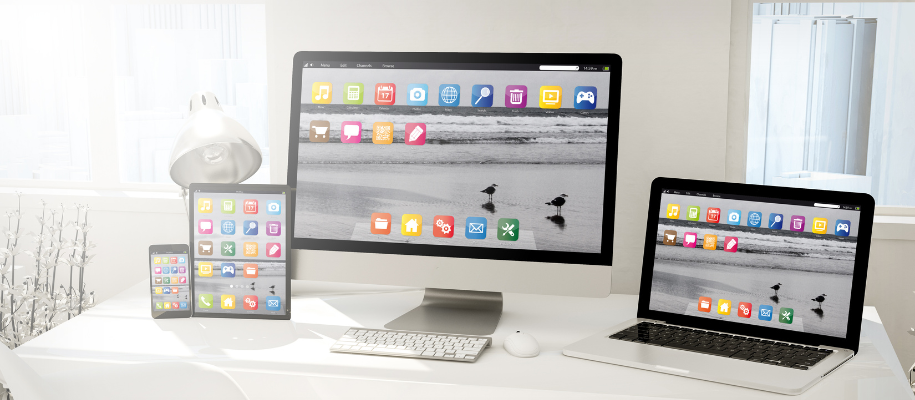
- Endless apps or desktop icons: Is your home screen full of random files, photos, and app icons? Eventually, it’ll become problematic to find stuff as you scroll through countless pages. Pare down to only what you need and put those loose files into folders.
- Rows of open browser tabs: Open tabs are a massive drain on your system’s memory and having too many eventually gets overwhelming, like there’s so much to do even when there isn't.
- Sound and pop-up notifications: There’s an alert for just about anything on everything now, including smartwatches, earphones, and fitness trackers. It’s incredibly hard to focus when these notifications are buzzing around you all day.
- Overflowing inboxes: Sometimes the allure of freebies is tempting, so you subscribe to more stuff. But a cluttered email inbox is the fifth-leading productivity killer in the workplace, so imagine what it does for students?
Related: Make some quick but impactful changes with these 5 Easy Ways to Get Organized in College
Decluttering your digital space
First, you want to figure out what exactly makes it clutter. Why are these files, apps, and emails causing you to lose concentration? Can you do without them, or can you tweak a few settings so they’re less in your face and keep them? Taking a step back helps you get a broader view, ensuring you only get rid of the things you can absolutely do without.
Start small
Just like decluttering a physical space, many things you get rid of in a digital declutter likely meant something to you once, which is how they got there in the first place. It’s okay to start small so the act of purging your digital life doesn’t feel stressful. Delete a few random files, repetitive photos in your gallery, forgotten downloads you don’t need, and the like.
Purge your inbox
Scan your inbox for emails you never opened (or opened and never read), group them by sender, and unsubscribe from them all. Be as thorough as you need to be. There’s no reason for things you don’t have interest or value in to take up space in your inbox.
Modify your notification settings
A barrage of alerts and notifications all day disrupts your thought process and workflow. Plus, they can drain your device’s battery because it keeps apps running in the background. Keep only the notifications you absolutely need and turn off or mute the rest. Sign out of social accounts you no longer use as well and consider silencing certain alerts when you need to get work done.
Clean up your browser
Your web browser can only handle so many open tabs at once, so close all the ones you don’t need. You can always reopen a tab later, but sifting through a bunch of websites you don’t need at the moment just wastes time. Also, go to the browser settings and clear your cookies so you’re bombarded with fewer intrusive ads when surfing the web. Lastly, turn off any unnecessary extensions and plugins that could be eating up system power.
Classify and organize the rest
By now, you should be left with only the files, apps, and email subscriptions that are useful for your set goals and interests. Categorize them and place each in a designated folder so it’s easier to know where to find them when needed and your main desktop looks neat, organized, and easy to navigate.
Related: Discover Tips for Better Organization and Study Habits in High School
The benefits of digital decluttering
Now, we’re not telling you to declutter simply to do it. It really does benefit you in the long run and improves your quality of life! Here are four benefits of doing away with digital clutter.
Reduced stress
Too much clutter, digital or otherwise, can overload you with too much visual information, making you feel more stressed. That's why decluttering feels mentally and physically freeing when you do it; you no longer have to deal with or think about the disorganization around you.
Improved focus
A digital declutter helps you free up your time to focus on your New Year’s goals. For example, suppose your goal is to apply for and land an internship—having an organized desktop will make it easier to keep track of your application materials, and a cleaned-up inbox will make sure you don’t miss an offer letter.
Decreased cybersecurity risks
Hanging on to old apps and files you no longer use regularly can increase your device’s vulnerability to cybersecurity threats like account theft. According to Kaspersky, 56% of users have lost data on their phones due to digital clutter. You can clean up your space and improve your online safety in one go.
Environmental impact
Reducing your digital footprint can help improve sustainability efforts. Although you can't see the data and how it impacts the world, all digital clutter that exists is stored on servers somewhere, which consume large amounts of energy. Data centers that house these servers were expected to consume 20% of the world’s electricity by 2025. So try to be a part of the solution by keeping your footprint small.
Related: Check out these 7 Personal Goals to Make a Real Environmental Impact
Decluttering your digital space can improve your productivity and help you focus on your goals with fewer distractions. The key is to make sure you’ve properly identified the source of the clutter and organize or get rid of it without looking back. Start the year off right by deleting the digital mess from your computer and your mind.
Once you’re done decluttering your files and apps, start reviewing your social accounts as well with this advice on How to Clean Up Your Social Media for College Admission.